Creator Walkthrough
Everything you need to know to start earning on Zinovia. Follow the steps below to set up your creator account and publish your first content.
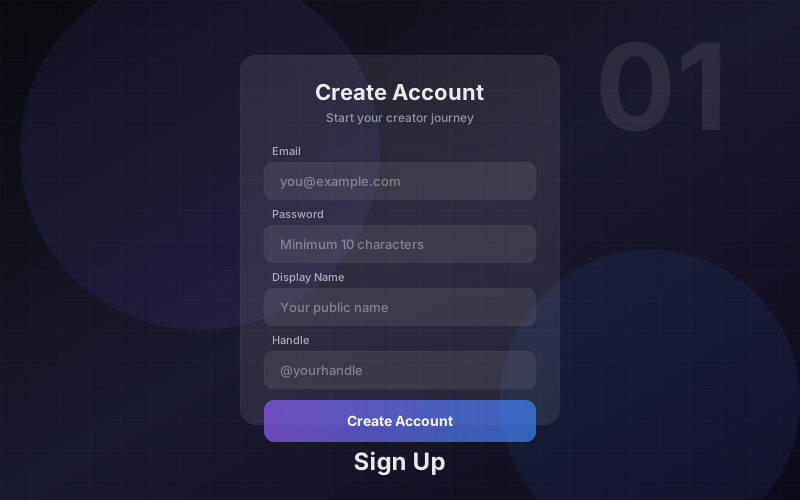
Sign Up & Account Creation
Create your creator account in under 2 minutes. Choose the Creator role during signup, provide your display name, email, password, and date of birth. You must be at least 18 years old.
- ✓Choose "Creator" role during registration
- ✓Provide display name, email, and secure password (10+ characters)
- ✓Date of birth verification (must be 18+)
- ✓Email verification sent automatically
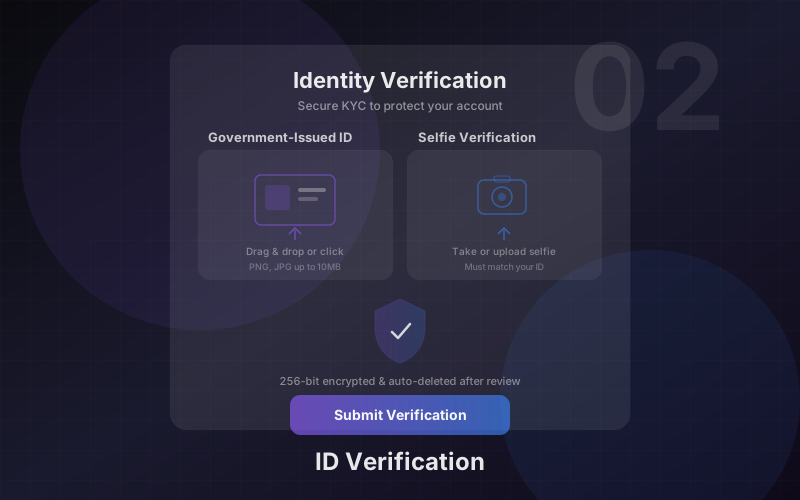
Identity Verification (KYC)
Before you can publish content or receive payouts, we verify your identity. This protects the community and ensures compliance. The process takes 3 simple steps and is usually approved within minutes.
- ✓Step 1: Confirm your date of birth
- ✓Step 2: Upload a photo of your government ID (passport, ID card, or driver’s license)
- ✓Step 3: Take a selfie for facial matching
- ✓If rejected, you can retry with clearer documents
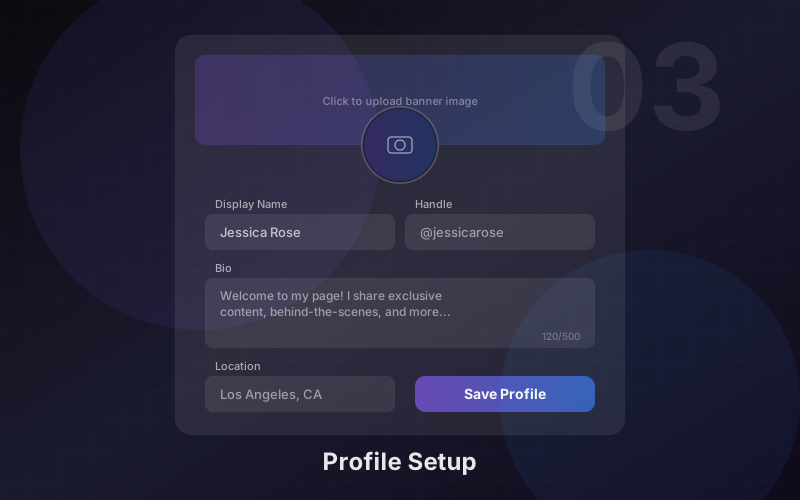
Profile Setup
Customise your public presence. Your profile is what fans see when they discover you. Set a unique handle, upload a profile photo and banner, write your bio, and configure discoverability.
- ✓Unique handle creates your URL (zinovia.ai/creators/your-handle)
- ✓Avatar and banner images (use AI to generate them)
- ✓Display name, bio, phone number, and country
- ✓Discoverable toggle — appear in search and directory
- ✓NSFW flag for adult content profiles
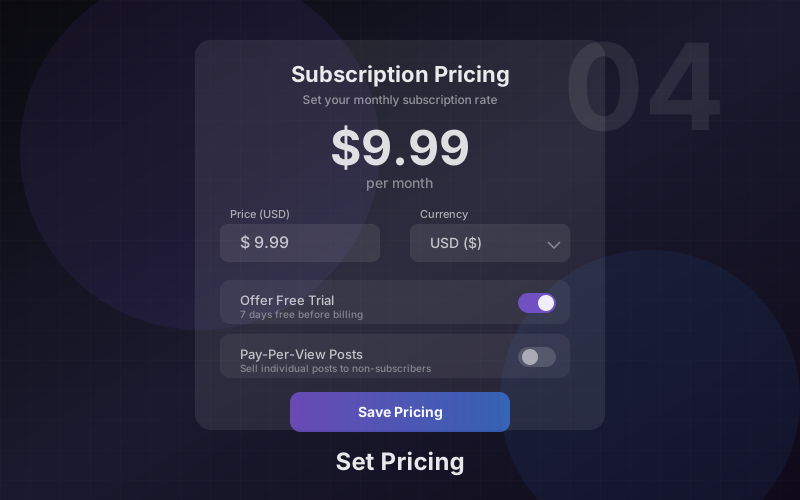
Subscription Pricing
Set your monthly subscription price. Fans pay this amount for full access to your subscriber-only content and direct messages. You can update your price at any time.
- ✓Set price in EUR within the allowed range
- ✓Platform fee is clearly displayed
- ✓Existing subscribers keep their current rate until renewal
- ✓Change your price at any time from Settings
Creating Posts
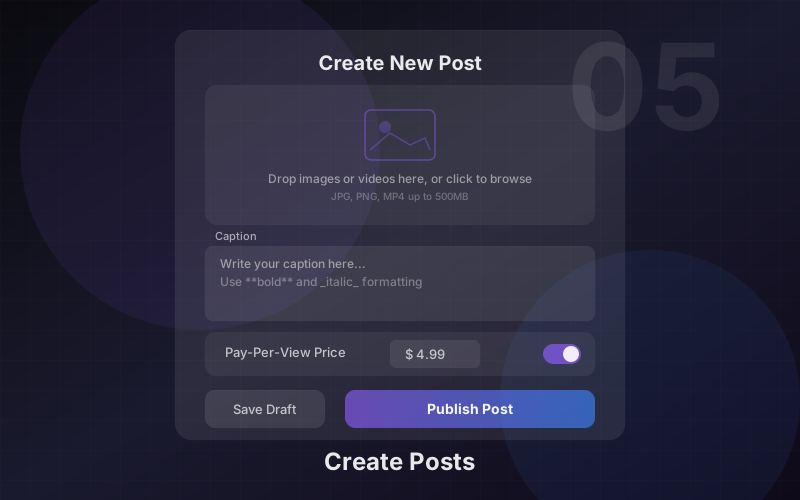
Publish photos, videos, and text posts to your audience. Control who can see each post with visibility levels, set pay-per-view pricing for premium content, and schedule posts for the future.
- ✓Caption editor with AI-powered suggestions
- ✓Upload images (up to 20 per post, 25 MB each) or video (MP4, up to 200 MB)
- ✓Attach media from your Vault — no need to re-upload
- ✓Visibility: Public, Followers only, Subscribers only, or Pay-Per-View
- ✓PPV pricing for individual post unlocks
- ✓NSFW marking and scheduled publishing
Media Vault
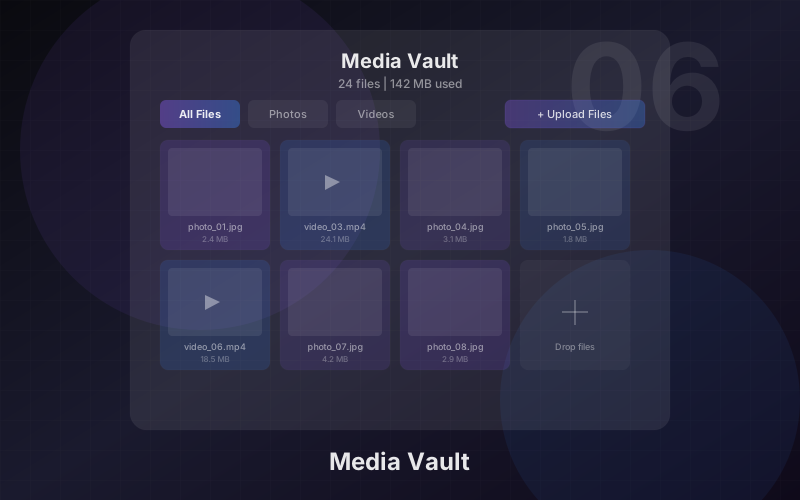
Your central media library. Every image and video you upload is stored in the Vault. Reuse media across multiple posts without re-uploading, filter by type, preview, and manage your library.
- ✓All uploads stored in one place
- ✓Filter by images or videos
- ✓Preview and delete media
- ✓Reuse across posts and messages
- ✓Processing indicators (uploading, processing, ready)
Collections
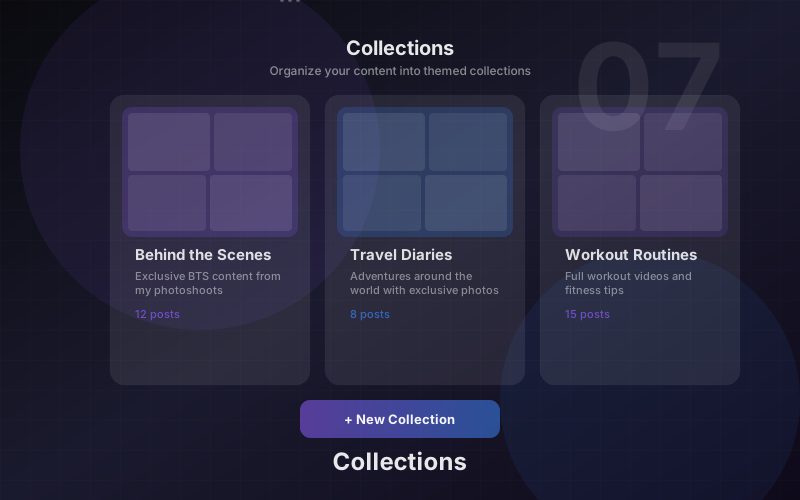
Organise your posts into themed albums. Collections make it easy for fans to browse your content by topic, series, or category. Set visibility per collection.
- ✓Create themed albums (e.g. Behind the Scenes, Fitness, Travel)
- ✓Add or remove posts from collections
- ✓Set visibility: Public, Followers only, or Subscribers only
- ✓Set a cover image for each collection
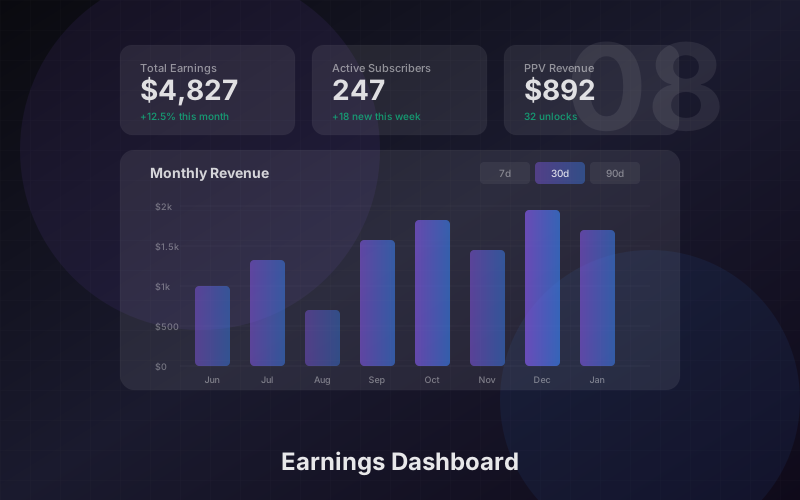
Earnings Dashboard
Track your revenue in real time. View gross earnings, platform fees, and net income. See exactly where your income comes from and monitor your transaction history.
- ✓30-day gross and net earnings overview
- ✓Platform fee breakdown
- ✓4 revenue streams: Subscriptions, PPV, Tips, Messages
- ✓Detailed transaction history with dates and amounts
- ✓Payout method and status tracking
Direct Messages
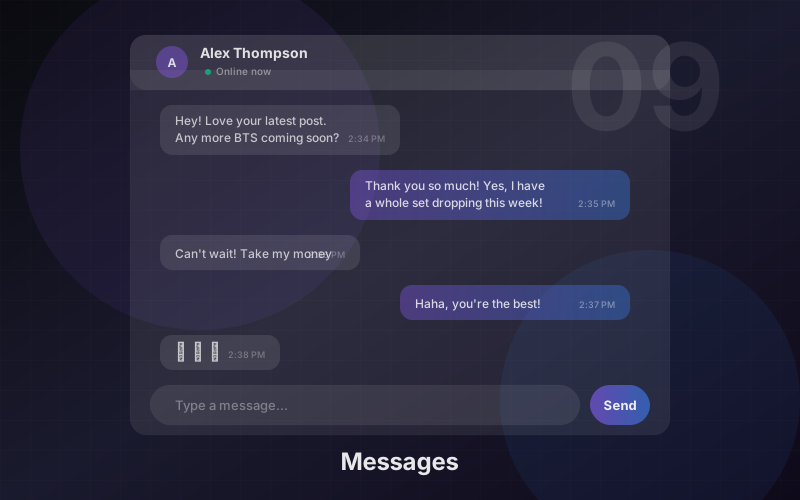
Connect with your subscribers through private messages. Send text, share media from your Vault, and monetise exclusive content with PPV-locked media in conversations.
- ✓Send text messages to subscribers
- ✓Attach images and videos from your Vault
- ✓Lock media behind a pay-per-view price
- ✓Real-time conversation threads
AI Studio
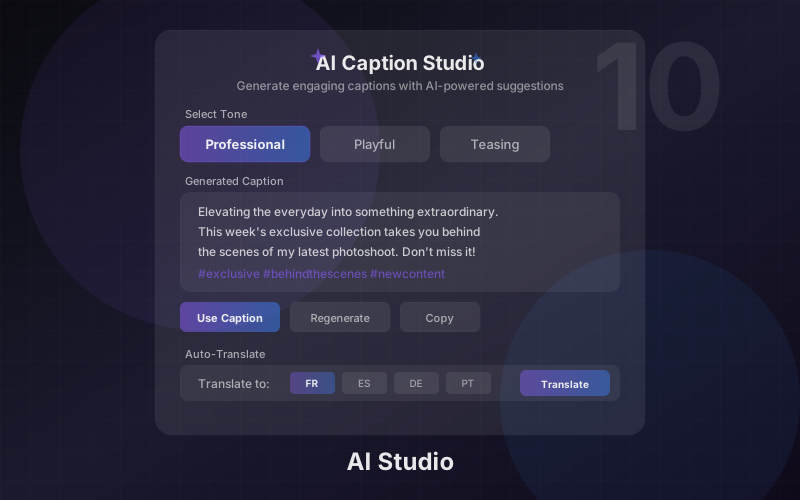
Powerful AI tools built into your workflow. Generate images, remove backgrounds, create cartoon avatars, get smart captions, generate promotional copy, auto-translate captions, and scan content for safety — all without leaving the platform.
- ✓AI Image Generation — create hero images, avatars, and banners
- ✓Background Removal — clean PNGs with transparency
- ✓Cartoon Avatar — transform photos into stylised art
- ✓Smart Captions — 3 AI-generated caption styles per image
- ✓Promo Copy Generator — titles, CTAs, and hashtags in 3 tones
- ✓Auto-Translate — one-click caption translation
- ✓Safety Scan — automatic NSFW and age-proxy detection
Multi-Language Support
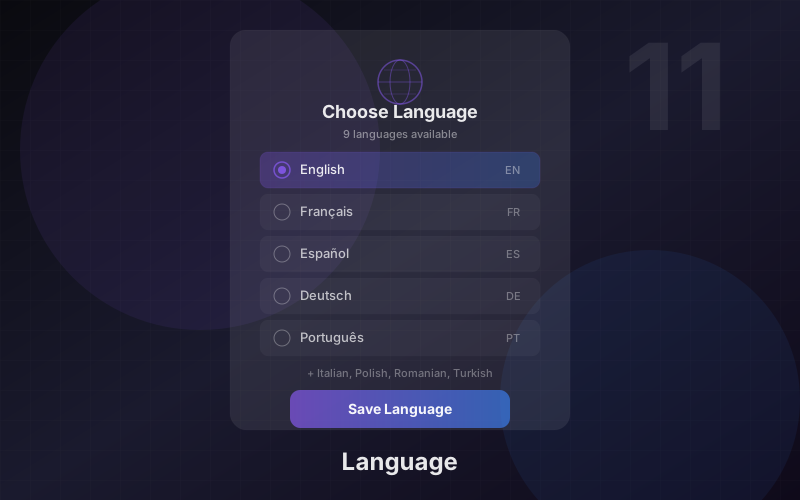
Zinovia is available in 11 languages. Switch the interface language at any time using the language selector in the footer. Use the Auto-Translate AI tool to translate your captions and reach a global audience.
- ✓11 languages: English, Spanish, French, German, Portuguese, Turkish, Romanian, Polish, Italian, Russian, Arabic
- ✓Language switcher in the footer — click to change instantly
- ✓All navigation, buttons, and labels fully translated
- ✓Auto-Translate AI tool for caption translation
- ✓Reach fans worldwide in their preferred language
Ready to get started?
Create your account in under 2 minutes. No upfront costs, no hidden fees.