Fan Walkthrough
Discover how to find creators, subscribe, and enjoy exclusive content on Zinovia. Follow the steps below to get started.
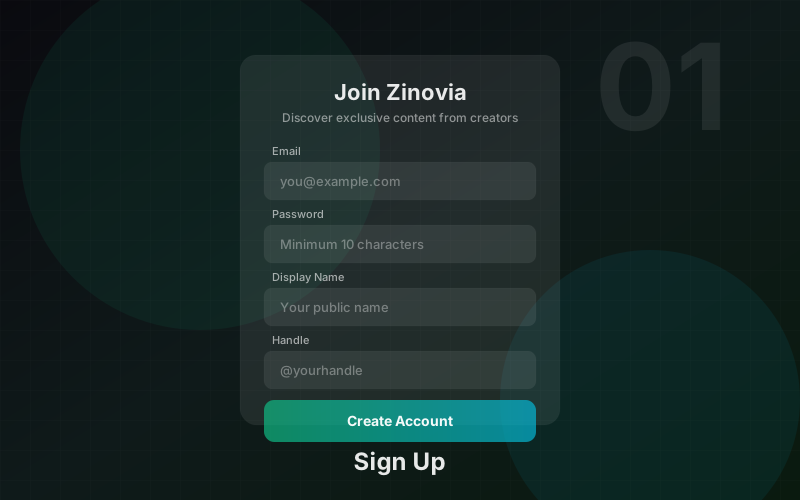
Sign Up & Account Creation
Create your fan account in under a minute. Choose the Fan role, set your display name, email, and password. No identity verification required for fans.
- ✓Choose "Fan" role during registration
- ✓Provide display name, email, and secure password (10+ characters)
- ✓Date of birth verification (must be 18+)
- ✓No KYC required — start browsing immediately
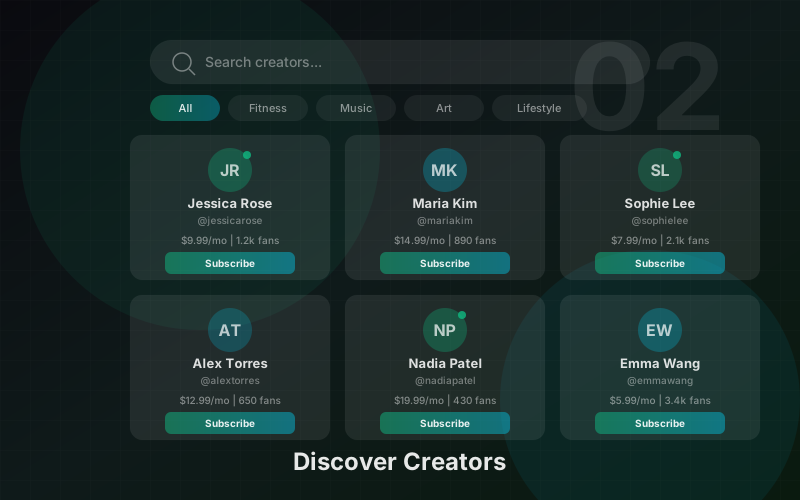
Discover Creators
Browse the creator directory to find people you want to follow. Search by name or handle, view follower and post counts, and look for verified badges.
- ✓Browse the /creators directory
- ✓Search creators by name or handle
- ✓View follower counts, post counts, and verified badges
- ✓Featured creators highlighted on the homepage
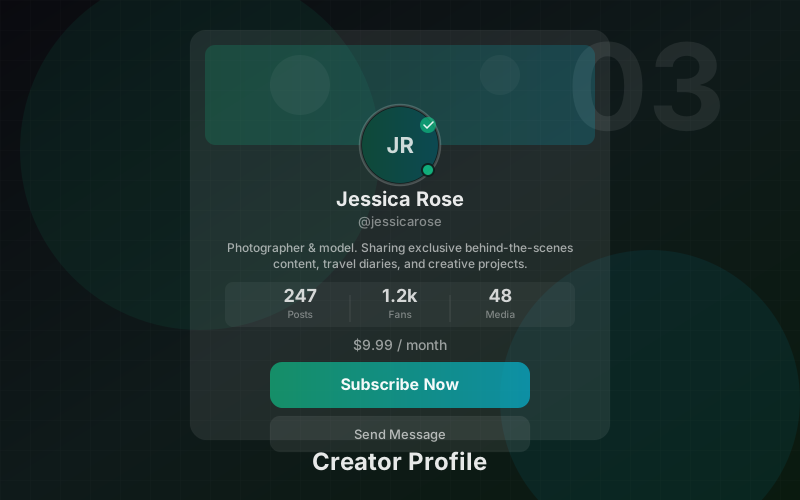
Creator Profiles
Visit a creator’s profile to see their bio, content preview, and subscription options. Follow for free to show support, or subscribe for full access to exclusive content and direct messages.
- ✓View creator bio, avatar, and banner
- ✓See post count and follower count
- ✓Follow (free) — show support and see public posts
- ✓Subscribe (paid monthly) — unlock all content + DMs
- ✓Cancel anytime — no long-term commitment
Your Feed
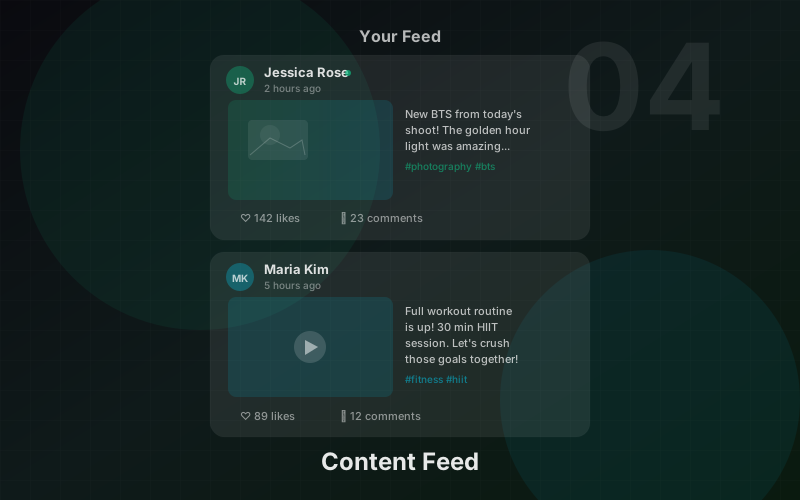
Your personal feed shows posts from creators you follow and subscribe to. Like, comment, and share your favourite content. Locked content appears with a blurred preview.
- ✓Chronological feed of posts from your creators
- ✓Like, comment, and share posts
- ✓Blurred previews for subscriber-only and PPV content
- ✓Infinite scroll with "load more" button
Pay-Per-View Content
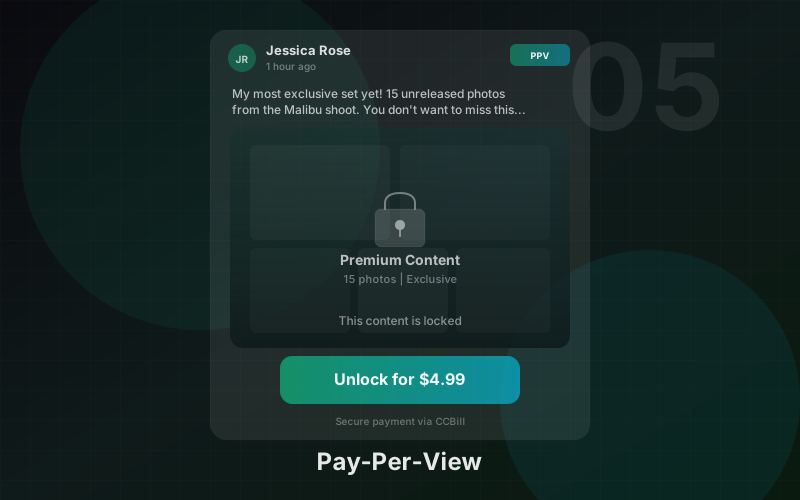
Some posts are available as one-time purchases. Pay to unlock individual premium posts without needing a subscription. Once unlocked, the content is yours to view anytime.
- ✓Unlock individual premium posts with one-time payment
- ✓Secure checkout via payment processor
- ✓Unlocked content accessible permanently
- ✓PPV price shown on the locked post preview
Direct Messages
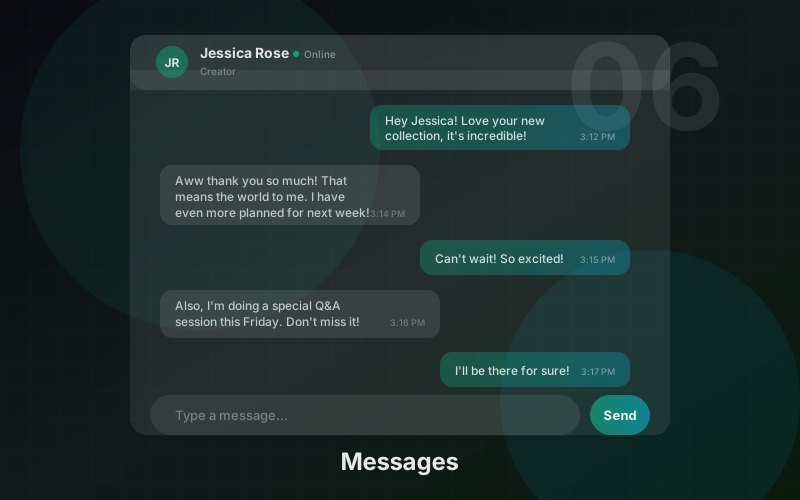
Message creators you’re subscribed to. View shared media, unlock PPV-locked content in conversations, and connect directly with your favourite creators.
- ✓Message any creator you’re subscribed to
- ✓View images and videos shared in chat
- ✓Unlock PPV media in conversations
- ✓Real-time message delivery
Manage Subscriptions
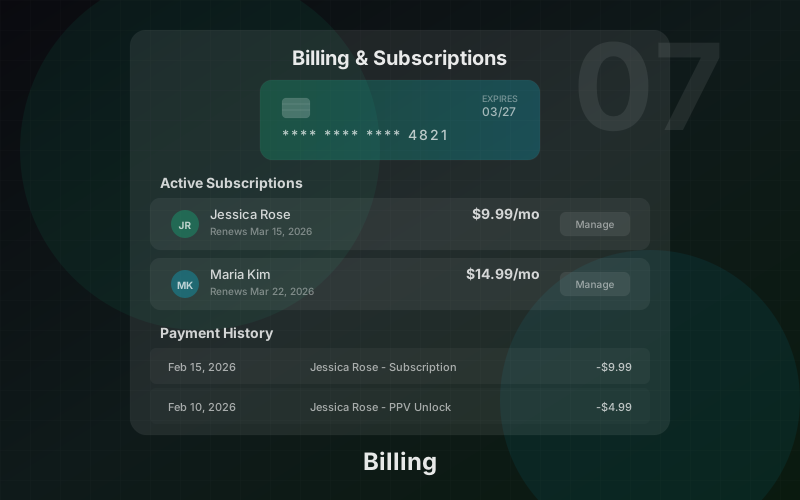
View and manage all your active subscriptions in one place. See renewal dates, pricing, and easily cancel subscriptions that take effect at the end of the billing period.
- ✓View all active subscriptions at /billing/manage
- ✓See renewal dates and monthly pricing
- ✓Cancel anytime — takes effect at period end
- ✓Past subscription history
Notifications & Settings
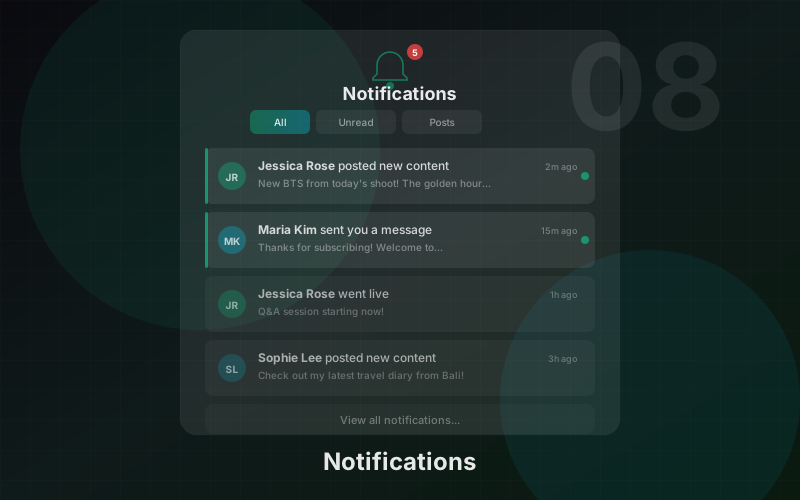
Stay updated with notifications for comments, likes, new followers, messages, and more. Manage your profile settings and security from the Settings page.
- ✓Notifications for comments, likes, followers, subscribers, messages, tips
- ✓Mark all as read with one click
- ✓Profile settings and display name
- ✓Password change with strength meter
- ✓Security settings
Multi-Language Support
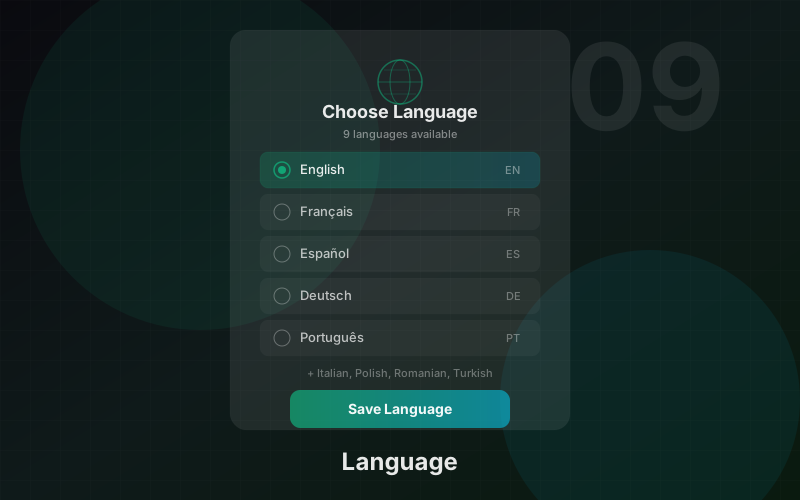
Zinovia is available in 11 languages. Switch the interface language using the language selector in the footer. Browse content in your preferred language.
- ✓11 languages: English, Spanish, French, German, Portuguese, Turkish, Romanian, Polish, Italian, Russian, Arabic
- ✓Language switcher in the footer
- ✓All navigation, buttons, and labels translated
- ✓Browse creator content in your preferred language
Ready to get started?
Create your account in under 2 minutes. No upfront costs, no hidden fees.